Virus Scanner Connection
Info
This function is only available if the customer model of your AI TENDERINGMANAGER has been adapted accordingly.
The AI TENDERINGMANAGER can be connected to the customer's virus scan system as part of the implementation. The following virus scanners are currently available:
-
Avira
-
F-Secure
-
Symantec
-
McAfee
-
G-Data
Tip
Other virus scanners not listed here can be connected as part of the customer project.
The connection to the Symantec virus scanner is shown as an example.
All digital offers collected from the tendering platform are scanned for viruses at the moment of decryption.
This search covers not only the proprietary tender forms, but also all additional files inserted. The scan is performed automatically and does not need to be initiated by the user. If a virus is found when the offer is opened, the user is informed of this with a warning dialog.
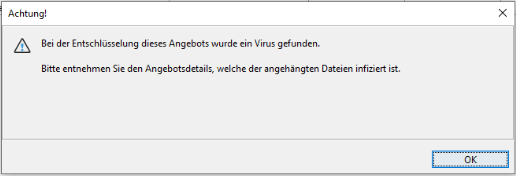
At the same time, the infected files are moved to quarantine so that the remaining documents can be viewed safely.
The scan report generated by the virus scanner can also be displayed. To do this, call up the Detail dialog of the corresponding offer.
In the Electronic offer documents tab, click on the View virus scan report link at the bottom right.
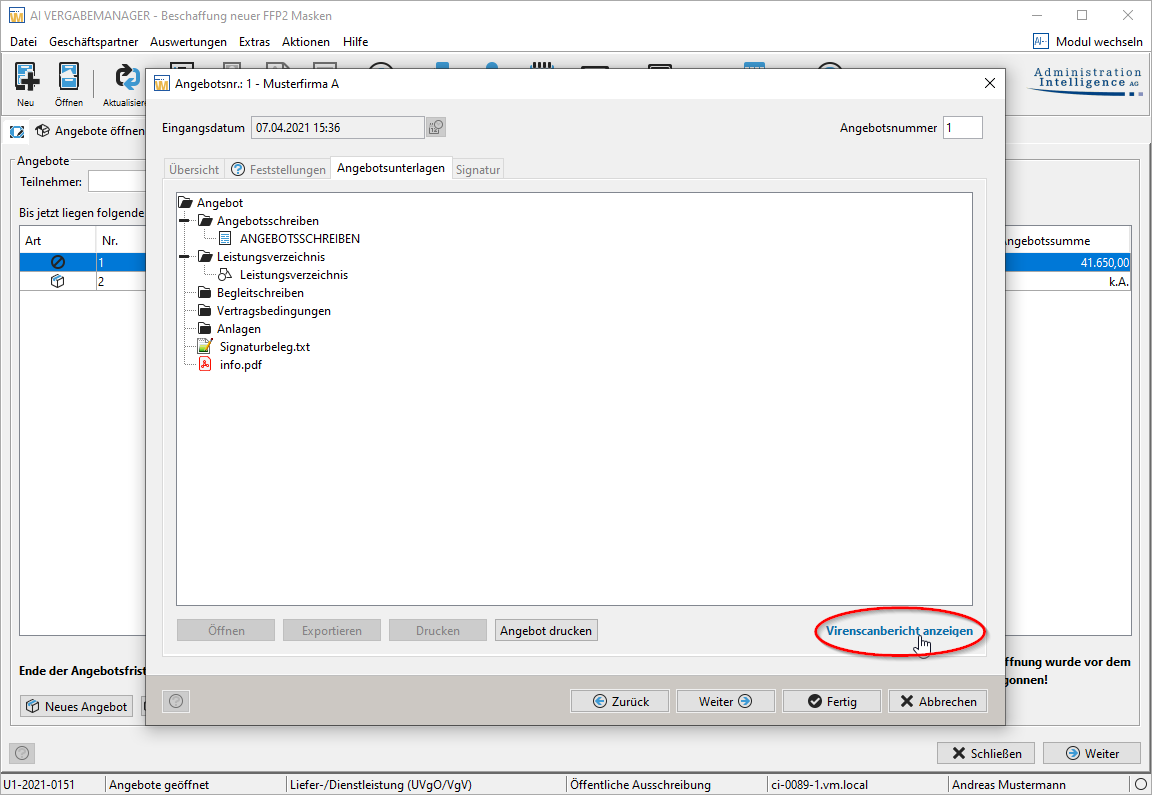
The scan report is called up.
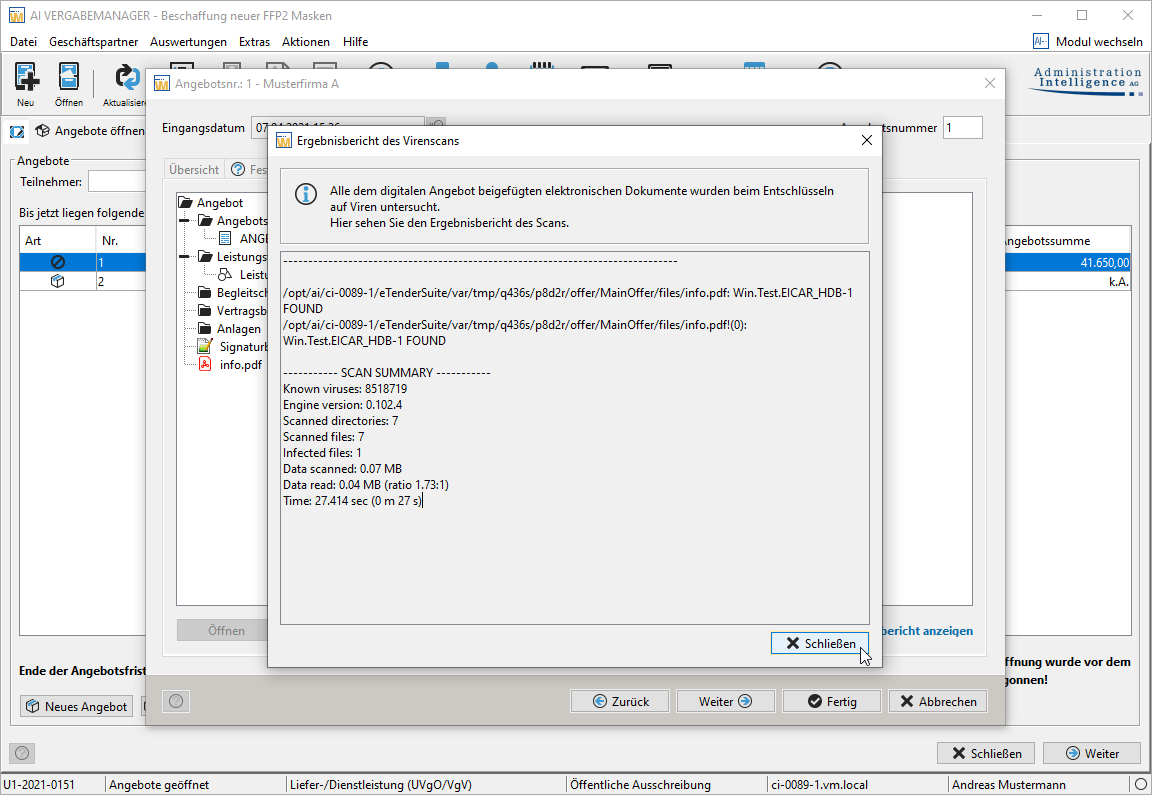
Clarify the next steps with the administrator of your system.