Editing Bills of Quantities
Editing bills of quantities is possible without restriction as long as you have not yet published the tender documents.
Tip
Once the bill of quantities has been published for the first time, the information on the lot split - Yes or No - can no longer be changed.
Insert with Drag & Drop
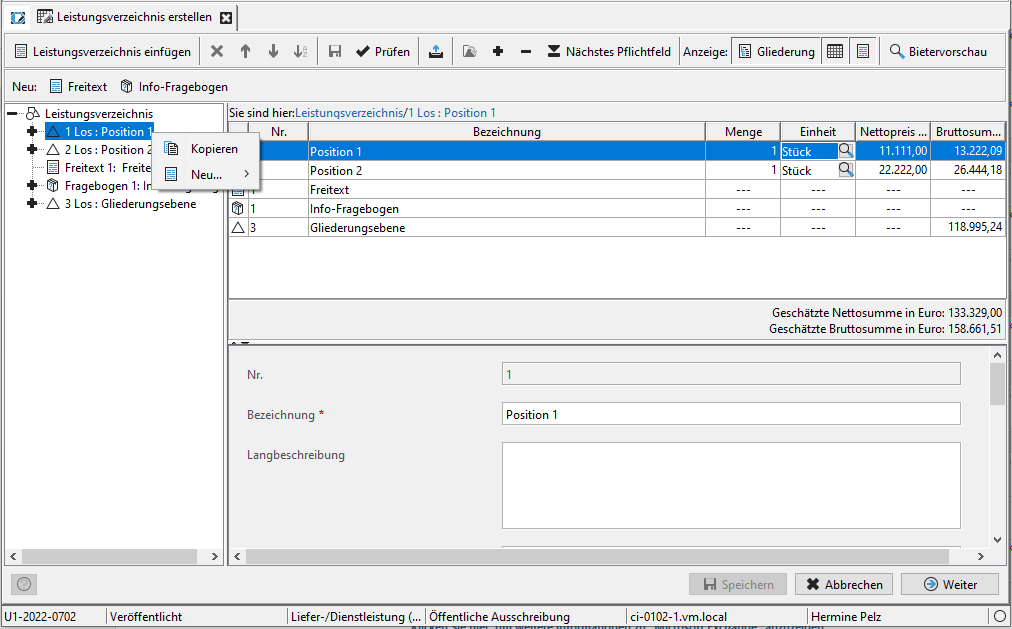
You can drag individual elements, entire groups, the scoring scheme or even an entire bill of quantities into your current award procedure using the mouse (Drag & Drop). The latter only works if you have previously deleted the old bill of quantities. Click on the desired element and, holding down the mouse button, drag it to the position in the bill of quantities where you want to insert it. You can recognize possible insertion positions by the blue marking. Release the mouse button at the desired position. The element is inserted.
Multiple Selection in the Bill of Quantities Tree
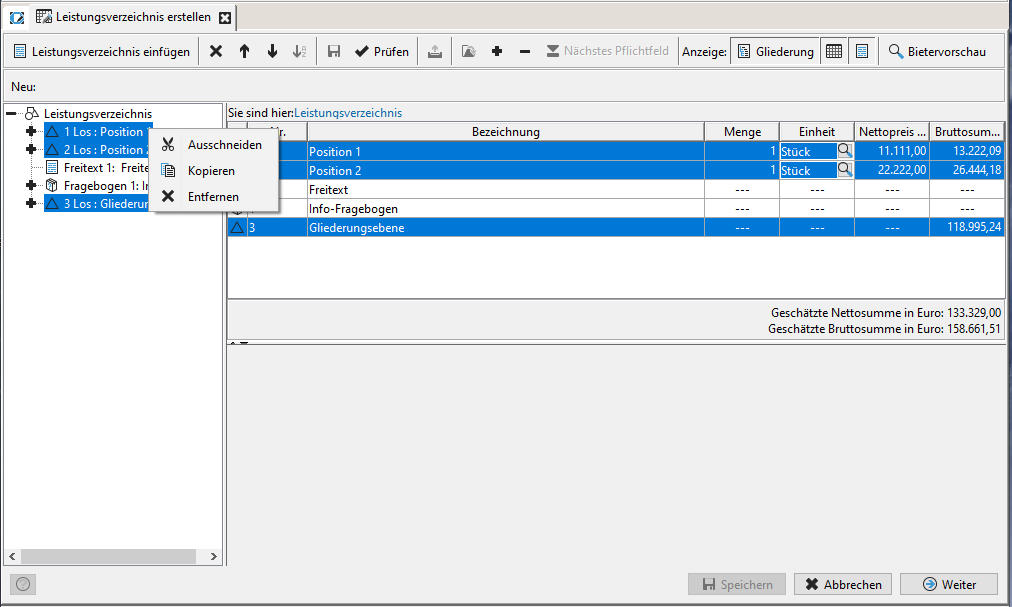
You can use the [SHIFT] or [CTRL] key to select several nodes of a level in the bill of quantities and edit them simultaneously. This option is not only available at lot level, but also below lot level, at item level. The scoring scheme, free texts and info questions can also be selected and edited in this way. This makes it possible, for example, to delete or copy and paste several lots or to copy entire blocks of a lot to another lot.
Restricted Editing after Publication
To ensure that the assignment of information to a lot remains consistent over the course of the procedure, lots may neither be deleted nor their order changed after publication.
The addition of further lots and also the deletion of these new lots is possible as long as they have not been published with a new version of the tender documents.
Editing the content of lots, e.g. changing the description and estimated prices as well as adding and removing subordinate elements (items, free texts etc.), is still possible after a lot has been published.