Negotiation Rounds
Negotiations can be held with bidders in negotiated procedures or in the case of direct award procedures. The results of these discussions are documented in the AI TENDERINGMANAGER in separate negotiation rounds.
The starting point for the negotiation rounds is the bids originally submitted in response to the bill of quantities from the documents. All bidders who have submitted an offer for this bill of quantities therefore take part in the first round of negotiations.
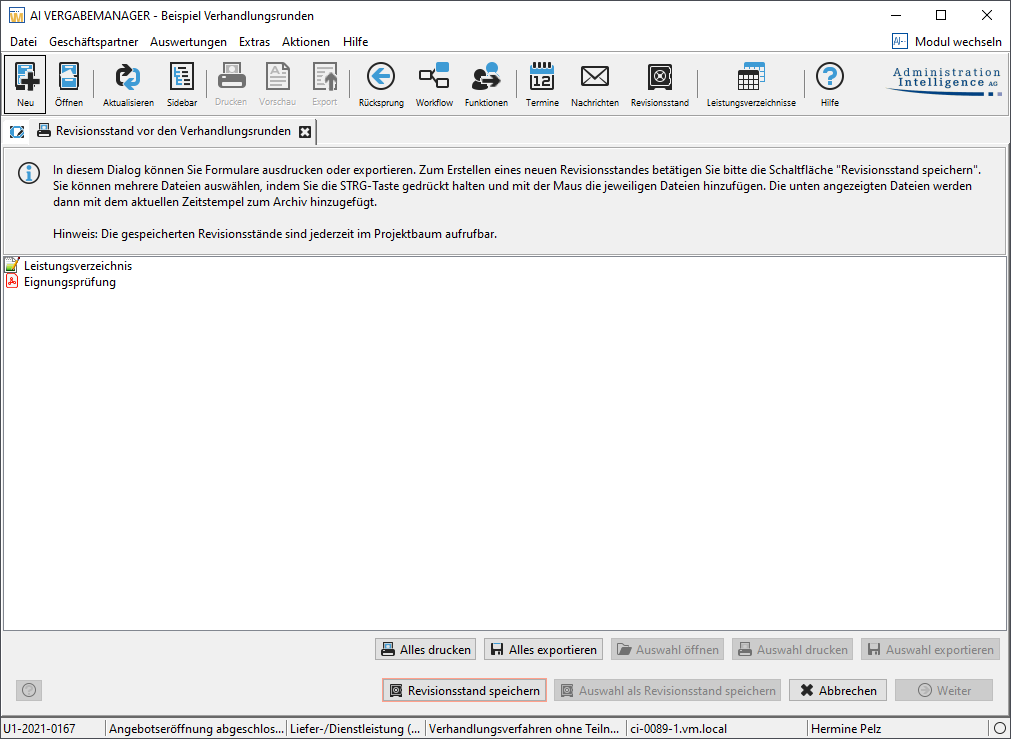
Before the start of the negotiation rounds, a revision status is created in the workflow in order to save the current status of the BOS before it is changed in the negotiation rounds.
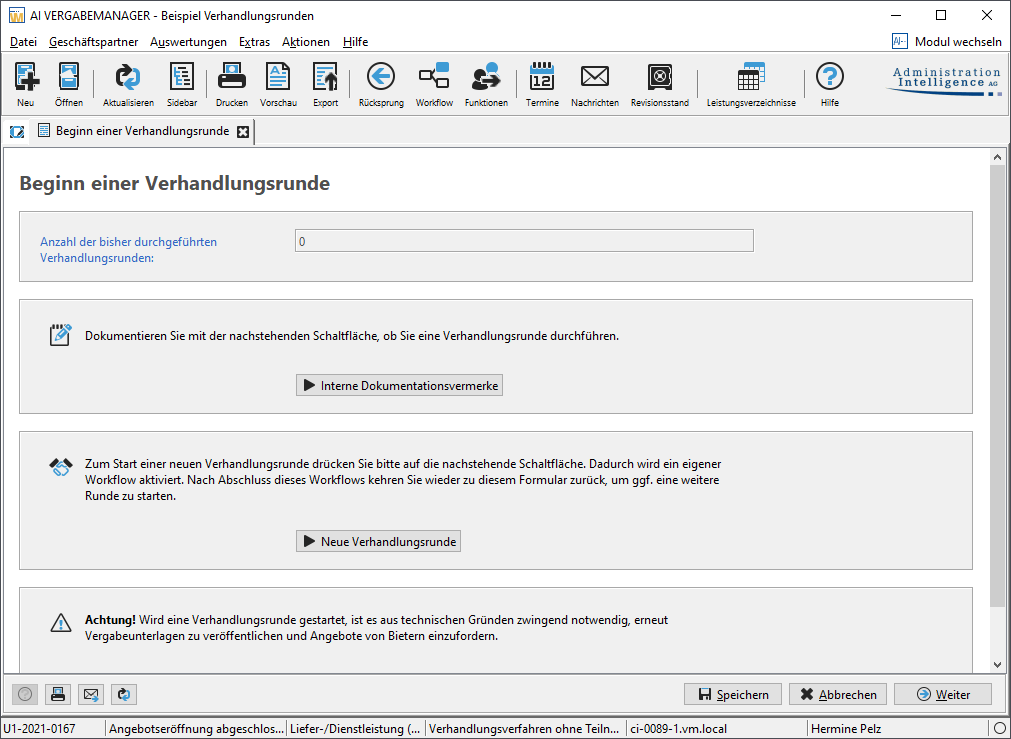
In the "Start of a negotiation round" form, you decide whether a new negotiation round is to be created or whether the main workflow in the process is to be continued. This form is a central point within the negotiation rounds. It is called up again after each completed round and the number of completed rounds is counted up. Here you have the option of creating a new negotiation round or entering an internal documentation note before activating the main workflow via the Next button.
Tip
If no negotiation round has yet been published, it is possible to return to the main workflow from this form at any time, for example to revise evaluation results.
Click on the New negotiation round button to create the first negotiation round with all participants who have submitted an offer.
When a new negotiation round is created, a secondary workflow is started and jumps back are only possible within this secondary workflow.
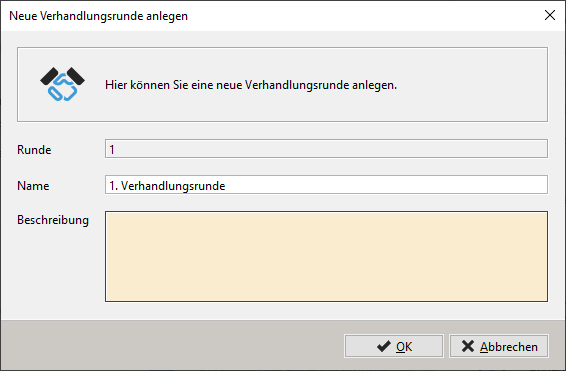
The name of the negotiation round is already pre-assigned, but can be changed if necessary. Enter a description of the negotiation round and click OK. The main workflow is stopped and the first step within the new round is called up.
Tip
A negotiation round that was started by mistake can be canceled using the action Cancel negotiation round (before publication) if no bidders have yet been invited to submit an offer within this round. You then return to the "Start of a negotiation round" form in the main workflow.
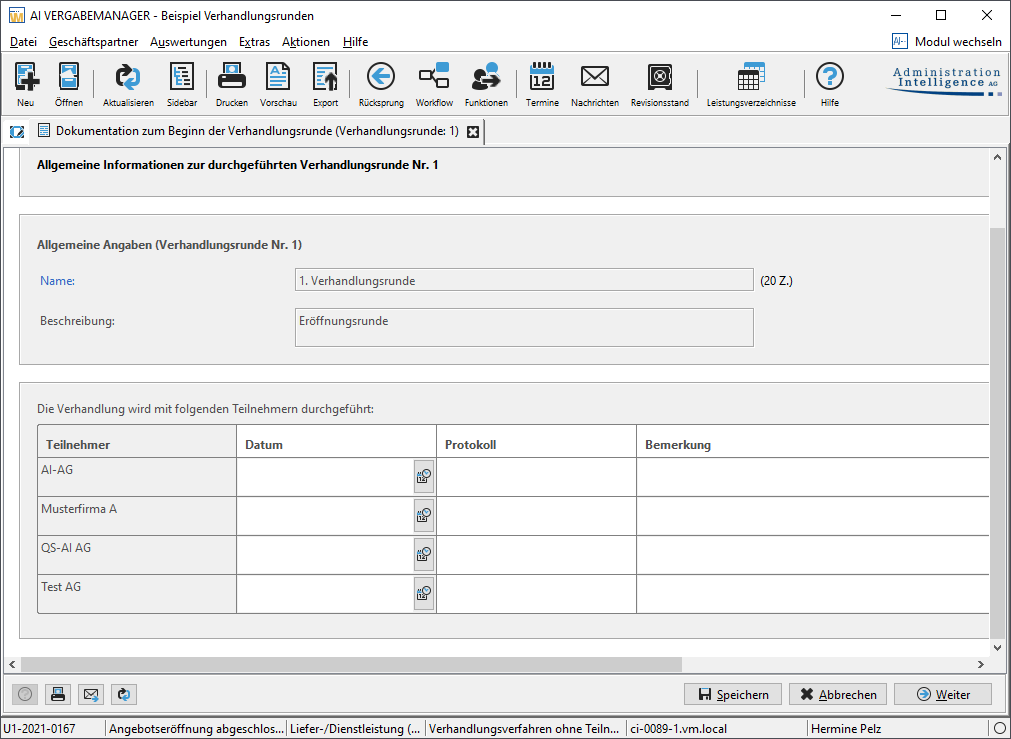
In the first form, the discussions with the participants of the negotiation round are documented. In the table, you can add a protocol for each participant or enter additional information.
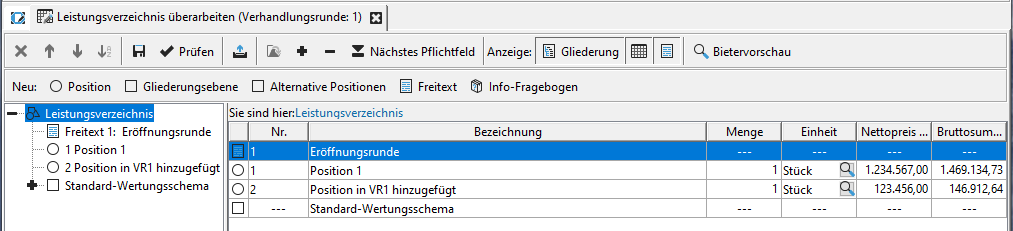
The next step is to revise the bill of quantities for the current negotiation round. Here you can only change the items below the first outline level. Changing the lot split and the canceled lots are locked for editing.
Enter further items or evaluation criteria below the top level in the bill of quantities or change the prices of the existing items if necessary.
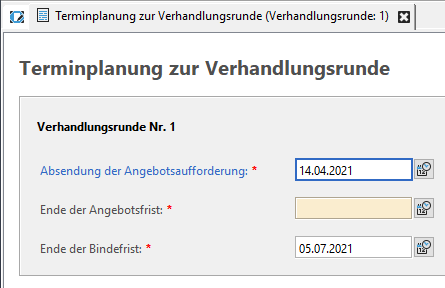
In the next step, you need to enter the dates for your negotiation round.
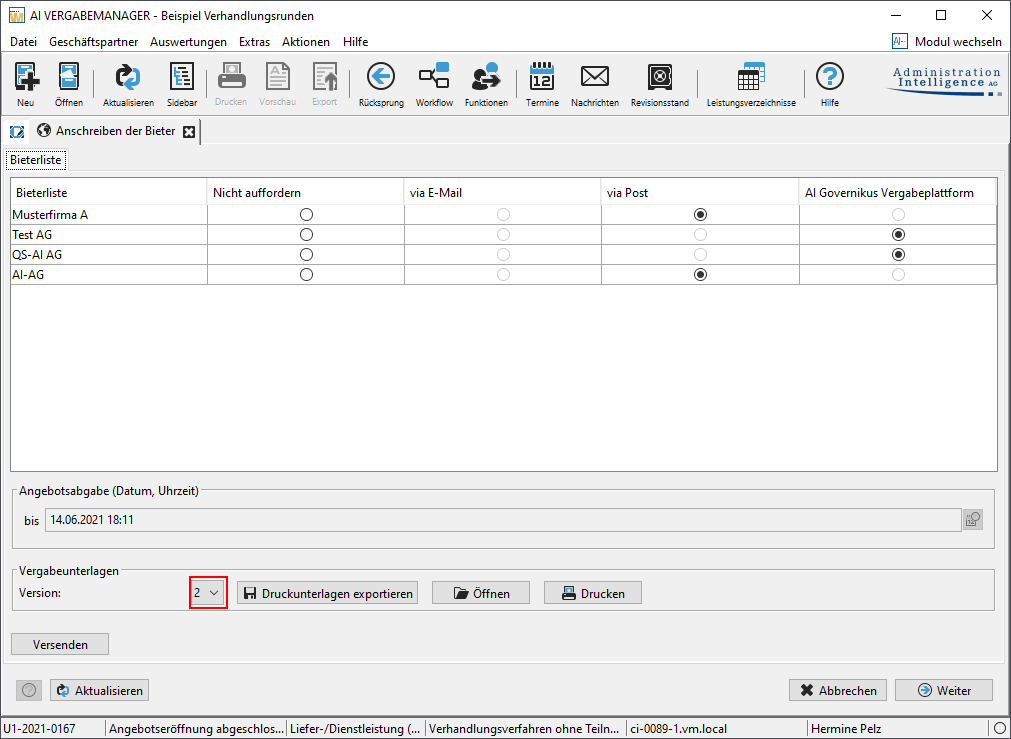
In the next two steps, you create a new version of the documents containing the revised bill of quantities and send this version to the desired participants in the negotiation round.
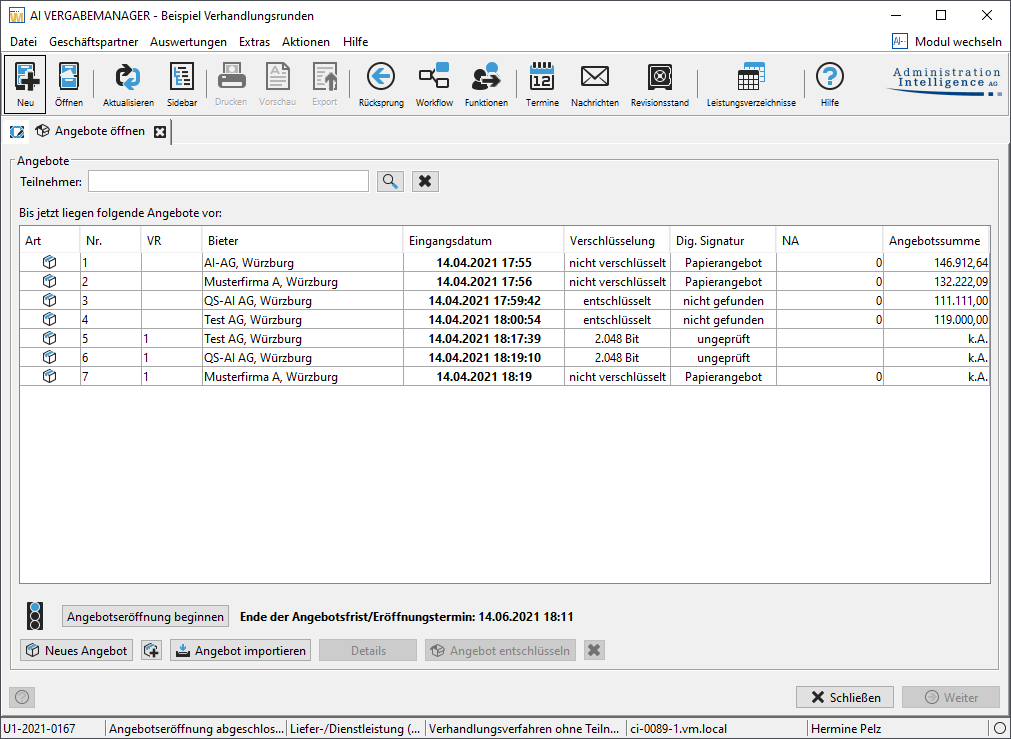
All remaining participants in the current negotiation round now have the opportunity to submit another offer with the specifications of the new bill of quantities. These are displayed in the next step of the negotiation round, the offer opening, and have a corresponding entry in the VR column.
Tip
The same offer keys that were created when the first version of the documents was sent are used to decode the bids.
The further steps within the negotiation round are identical to those after a normal offer opening, but only refer to the bids of the current round:
-
Minutes
-
Calculation check
-
Offer review
-
Price comparison
-
Evaluation
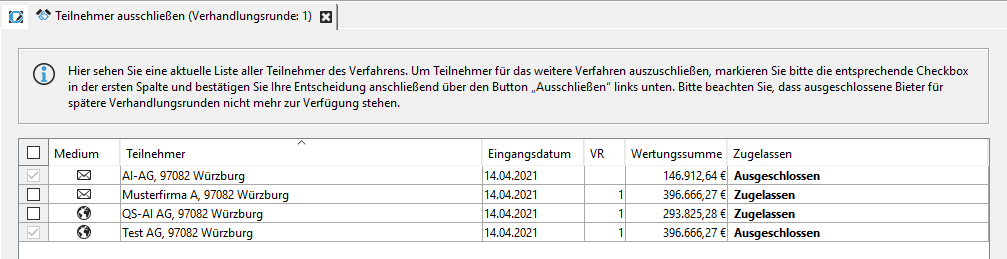
At the end of the workflow, you will be shown an overview of all participants. If required, you can exclude further participants here, who will then no longer be included in the next negotiation rounds.
You can then send or print out a rejection letter for the excluded participants.
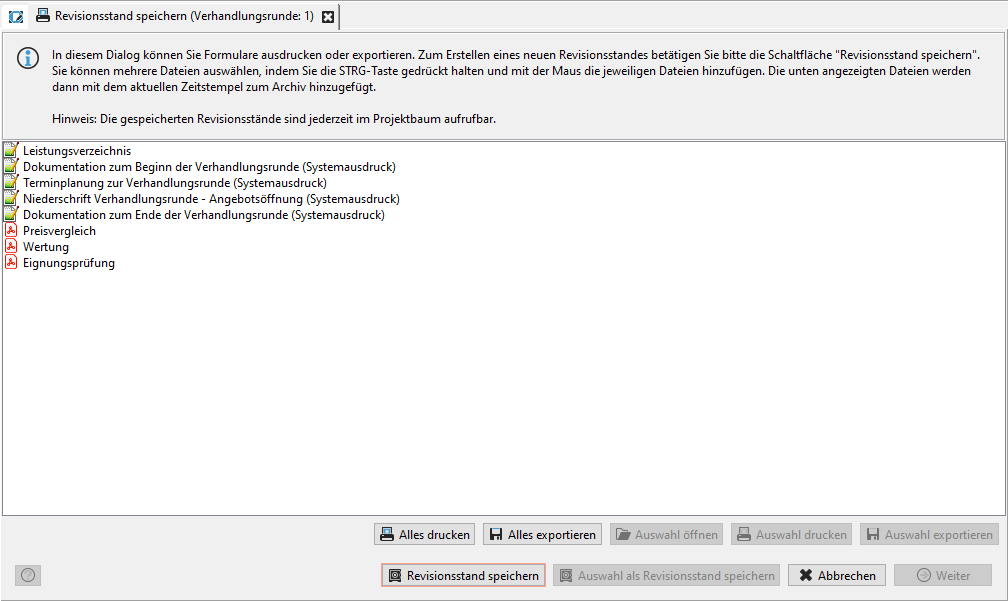
After another documentation step at the end of the negotiation round, you must create another revision status with the most important documents of the negotiation round in the last step of the negotiation round.
The "Start of a negotiation round" form is then called up again. Here you can either start another round of negotiations or continue the main workflow using the Next button.
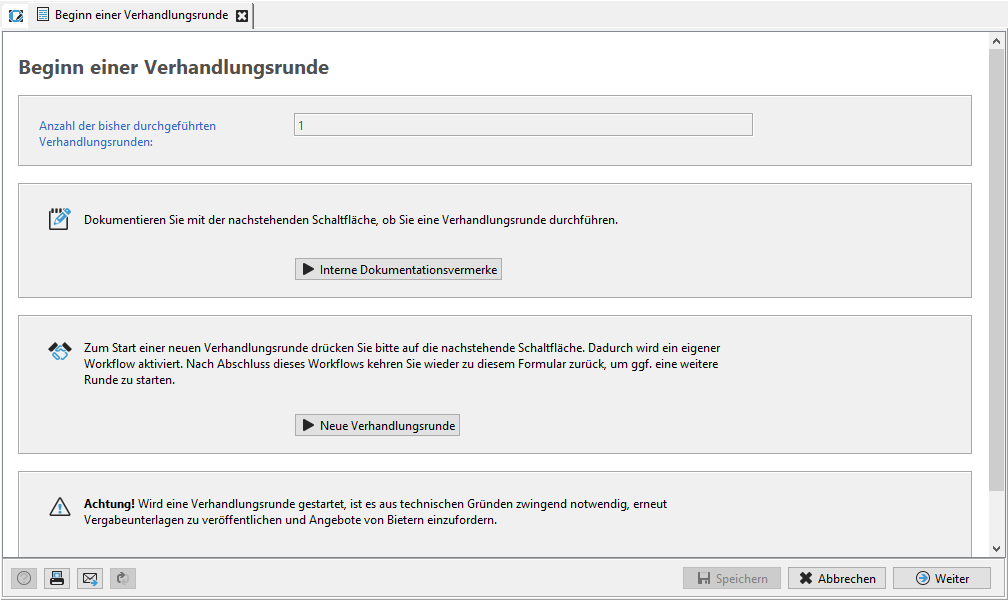
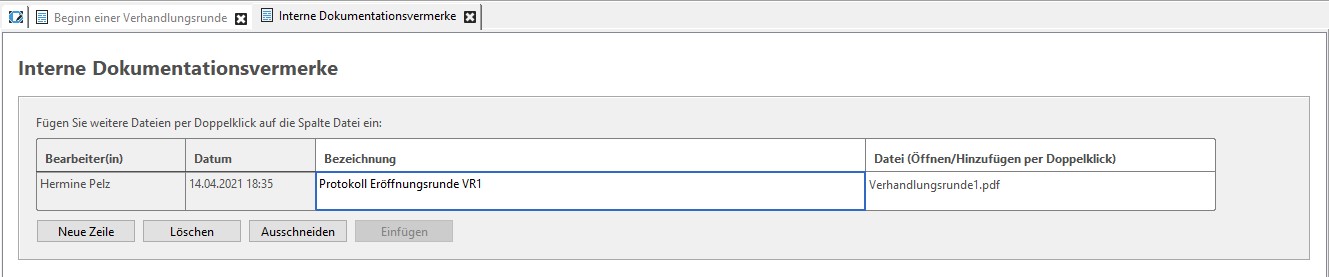
Before you start a new negotiation round or before you continue the main workflow of your award procedures, you have the option of adding additional files to your award documents for documentation purposes. To do this, click on the Internal documentation notes button and insert the corresponding document into a new row in the table.